Edit the JSON
Every scene is a typed object with hard character limits. Change copy, accent words, durations or colours; the validator tells you what is wrong before anything renders.
Product
MotionTyped is one pipeline: ingest, brand, storyboard, assets, render, QA. Each stage writes plain files you can open, diff and edit, and the last one refuses to pass a scene that is wrong.
The run
A full run with the LLM storyboard and vision QA took 5 to 7 minutes per site in our tests on a 20-core machine. Without a key it still finishes, from a template storyboard.
Firecrawl (self-hosted) or Playwright reads the site and takes 2× screenshots. A model extracts features, pain points and social proof, each with a source URL and a verbatim quote. Brand colours, font hints and the logo are pulled from the page.
product.json scrape.json screenshots/
Your colours and logo go over the house typography and motion. Gradients are tinted to your palette; text colour is chosen per scene for contrast against what is behind it.
brand.json
Claude writes the scenes as JSON against a strict schema: hook, meet, feature tour, payoff, CTA. Headlines are capped at 48 characters, no scene type repeats back to back, and every cut is snapped to a beat of the music. Invalid output goes back with the exact errors, up to three times.
storyboard.json
Screenshots are framed into cards and the logo is normalised. Avatars and illustrations come from a CC0 library. Anything illustrative, such as sample comments or stats, is tagged illustrative: true in the storyboard.
assets/
Remotion renders each scene once into a cache keyed by its content; the clips are cut together and the music bed is muxed in. The same storyboard gives the same frames every time. One 4:5 render took about 81 seconds on 20 cores; all four aspects about 5 minutes.
4x5.mp4 9x16.mp4 1x1.mp4 16x9.mp4
A contact sheet and mid-scene stills are extracted. Structural checks always run; with a key, Claude reads each still against the qa_notes the storyboard wrote for that scene. One failing scene fails the run, by name.
qa/<aspect>/qa_report.json
Nothing invented
The provenance validator checks that every quote appears in the scraped text of the page it cites. If it does not, the storyboard is sent back and the claim is dropped. Your ad says what your site says.
acme-inbox.example/featuresscraped page · illustrative
Acme Inbox is an AI agent assigned to your social inbox. Acme reads every DM and comment across Instagram, Facebook and TikTok, then sorts them by intent.
Set the tone once. It replies to buyers in your voice and hides spam before your team sees it.
scene s05 · comment_clusterverbatim match
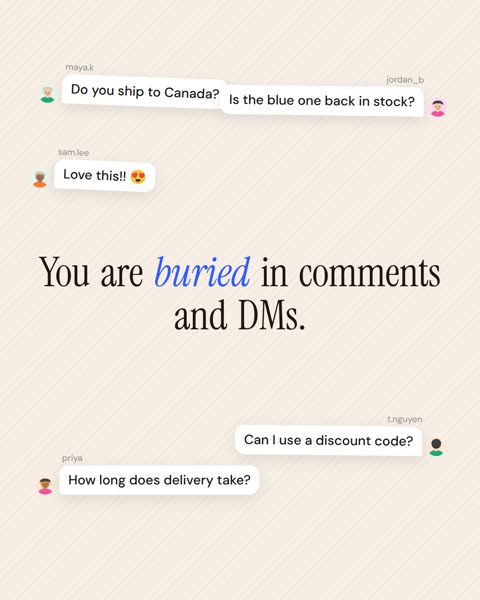
{ "quote": "Acme reads every DM and comment",
  "source": "https://acme-inbox.example/features" }
Acme Inbox is fictional and its storyboard is hand-written, so this receipt is a mock-up of what a real run records.
Checked before you see it
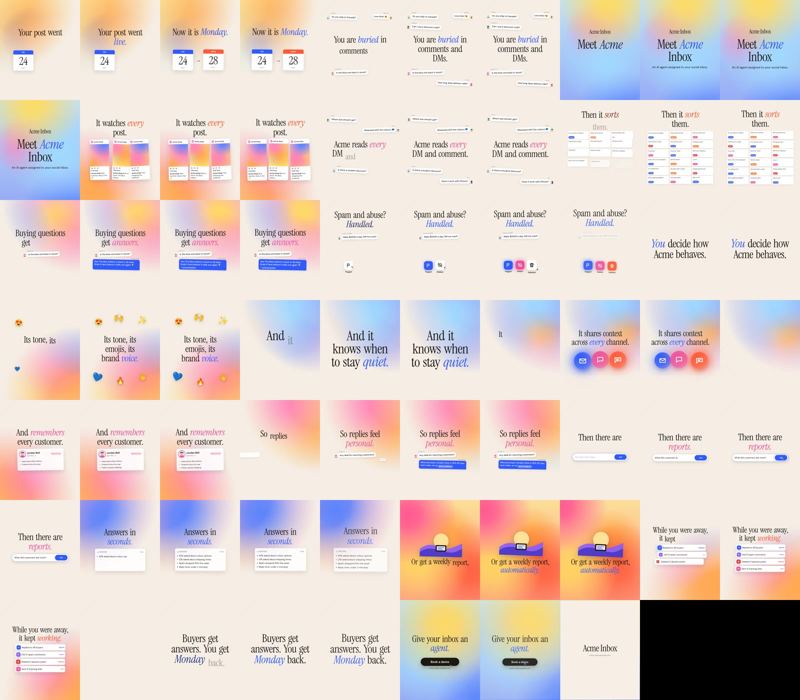
Every render gets structural QA: dimensions, frame rate, duration, an audio stream, no black or duplicate frames, the logo on the end card. With a key, a vision check reads one still per scene against that scene's own notes.
Formats
Each format is laid out again, not cropped. 9:16 keeps extra room at the top and bottom for the Reels and TikTok interface.
| Aspect | Size | Where it goes | Sample |
|---|---|---|---|
| 4:5 | 1080 × 1350 | Instagram and LinkedIn feeds (primary) | sample-4x5.mp4 |
| 9:16 | 1080 × 1920 | Reels, TikTok, Shorts; platform UI safe areas | sample-9x16.mp4 |
| 1:1 | 1080 × 1080 | Square feeds and placements that crop | sample-1x1.mp4 |
| 16:9 | 1920 × 1080 | YouTube, landing pages, decks | sample-16x9.mp4 |
Web copies of the samples are re-encoded at a smaller size; runs produce the full sizes above.
Editing
Every scene is a typed object with hard character limits. Change copy, accent words, durations or colours; the validator tells you what is wrong before anything renders.
regenerate-scene --instruction "lead with the pricing feature" re-prompts a single scene and re-renders only it. The rest come from the cache.
The local web UI shows two runs of the same URL side by side, with a scene-by-scene diff, a live stage tracker and a scene drawer to edit props.
The same scene drawer in the hosted app, without a terminal.
Share a run with your team and collect comments per scene.
Today the type is the narration. A narration track is on the roadmap.
Scene library
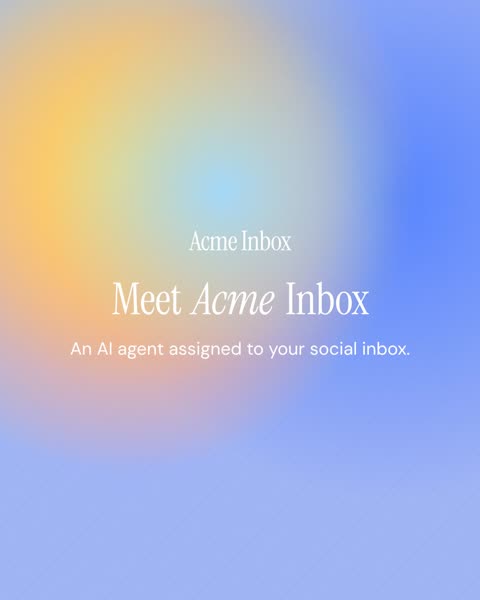
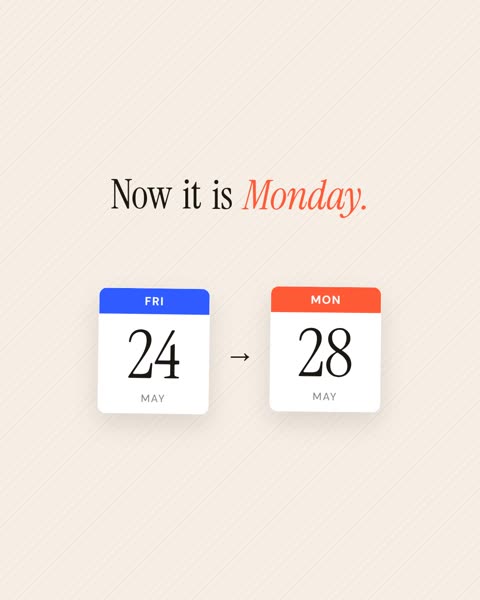
The storyboard model picks a type per beat: moderation becomes an action beat, replies become a chat bubble, analytics become a typed stats block. Stills are frames from the sample render.
 headline
 calendar_bookendcomment_cluster
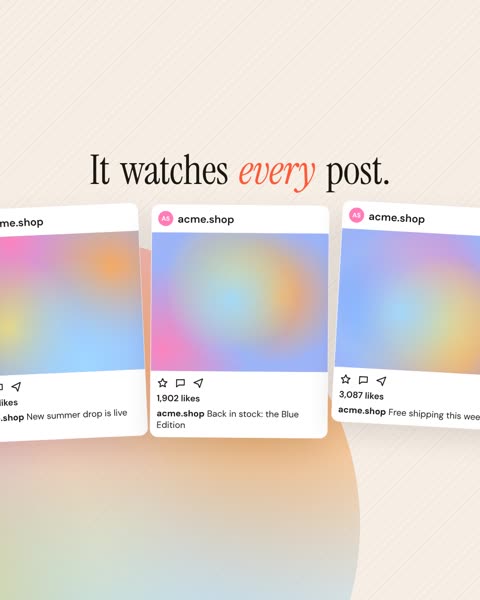 post_mockup_cards
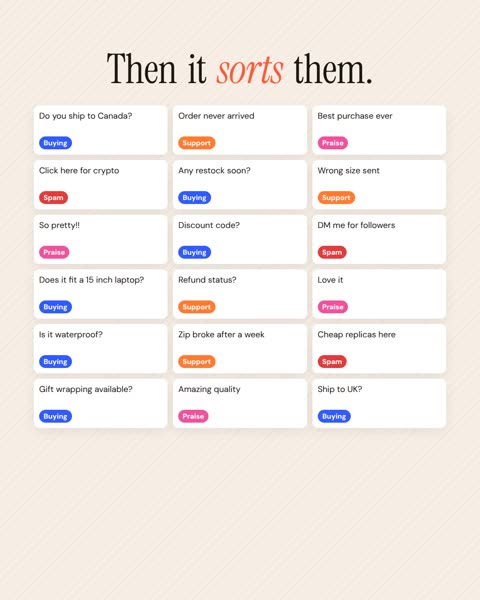 classification_grid
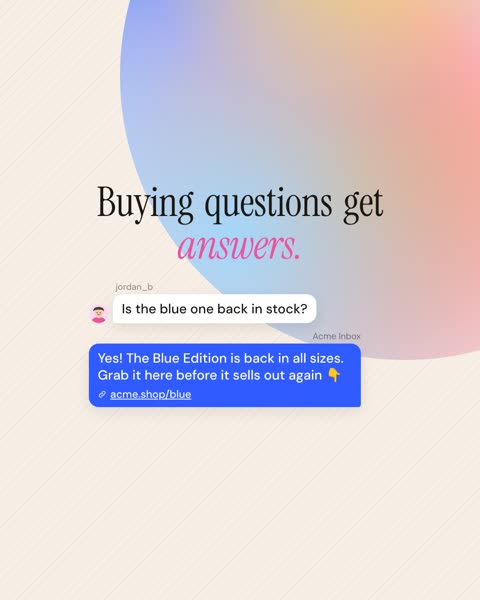 chat_reply
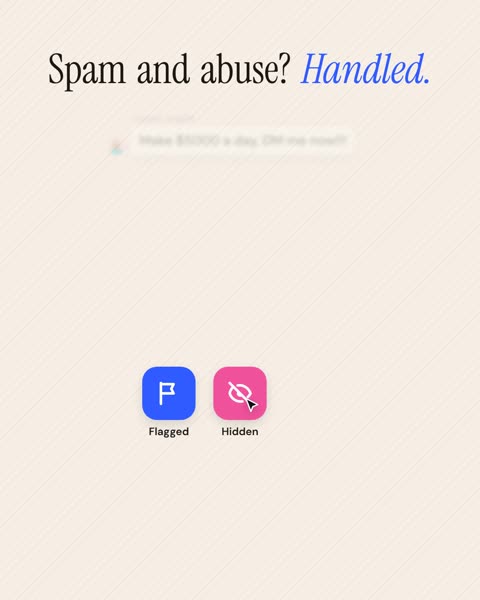 action_beat
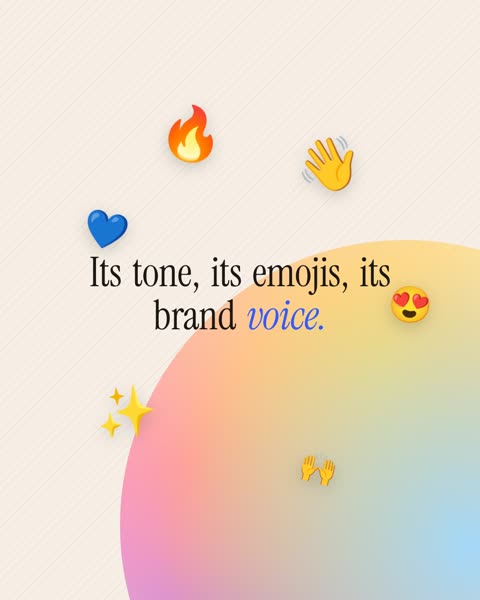 emoji_burst
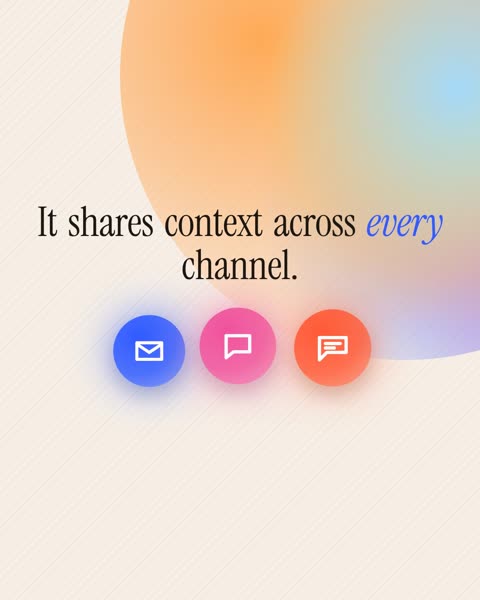 glow_orbs
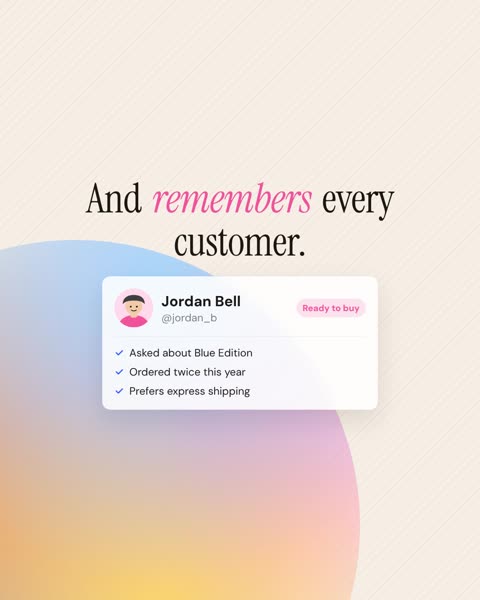 profile_card
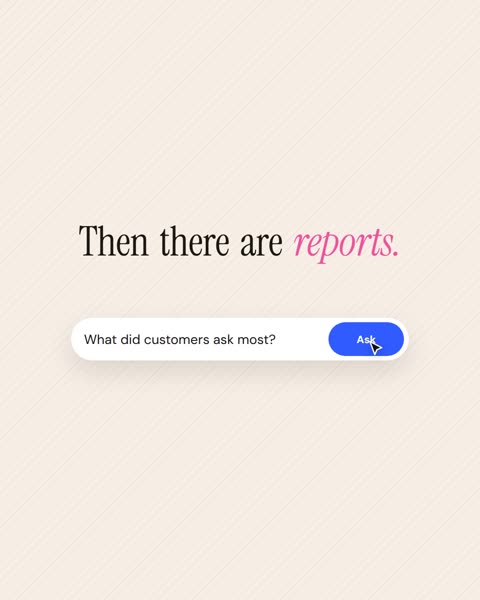 input_bar_click
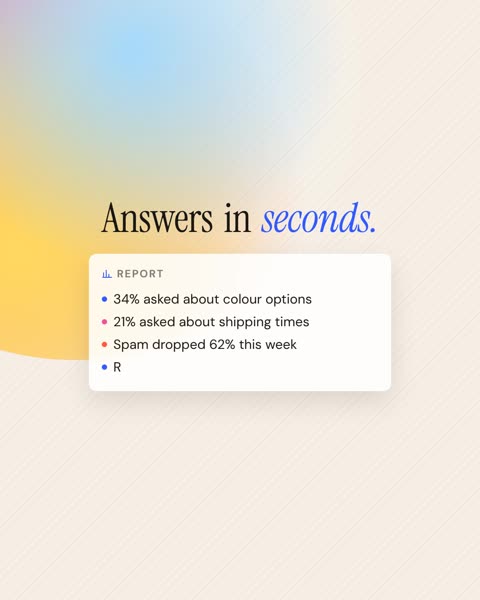 stats_block_typing
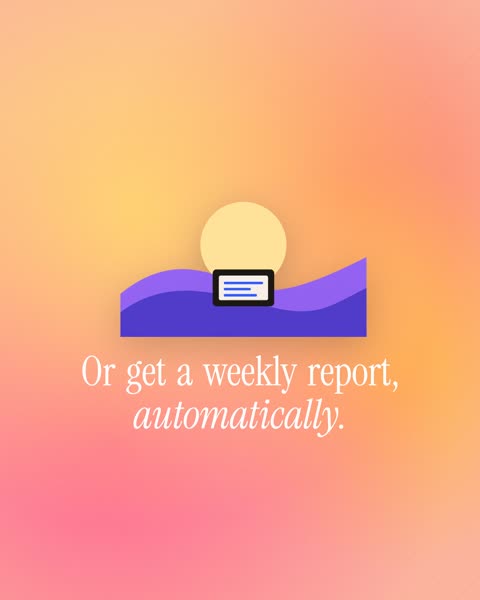 illustration_beat
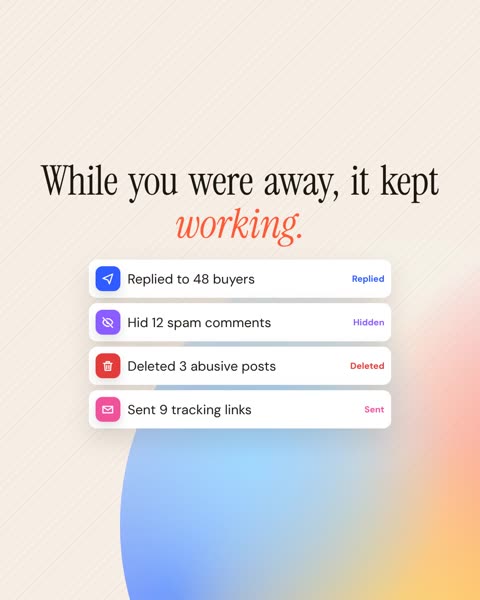 checklist_stack
 end_card_cta
Questions
It goes back to the model with the exact error. If it still fails, it is dropped from the storyboard.
No. Without an Anthropic key or Claude Code login, a deterministic template builds the storyboard and QA runs structural checks only.
Rendering is deterministic: the same storyboard produces identical frames, which is tested. The storyboard itself comes from a model and can differ between runs.